SCREEN TOO NARROW
Expand this window or open Swim Away on a larger device to see the site.
Swim Away is built to reduce your screen time. Every minute offline grows a pixel-art ocean. Block apps, focus in pomodoros, learn instead of scroll, and design a mascot that lives across every tool.
A small NFC card that pairs with Swim Away's Block Apps tool. Tap it to start or stop blocking your distracting apps. No phone unlock required.
BUY A CARD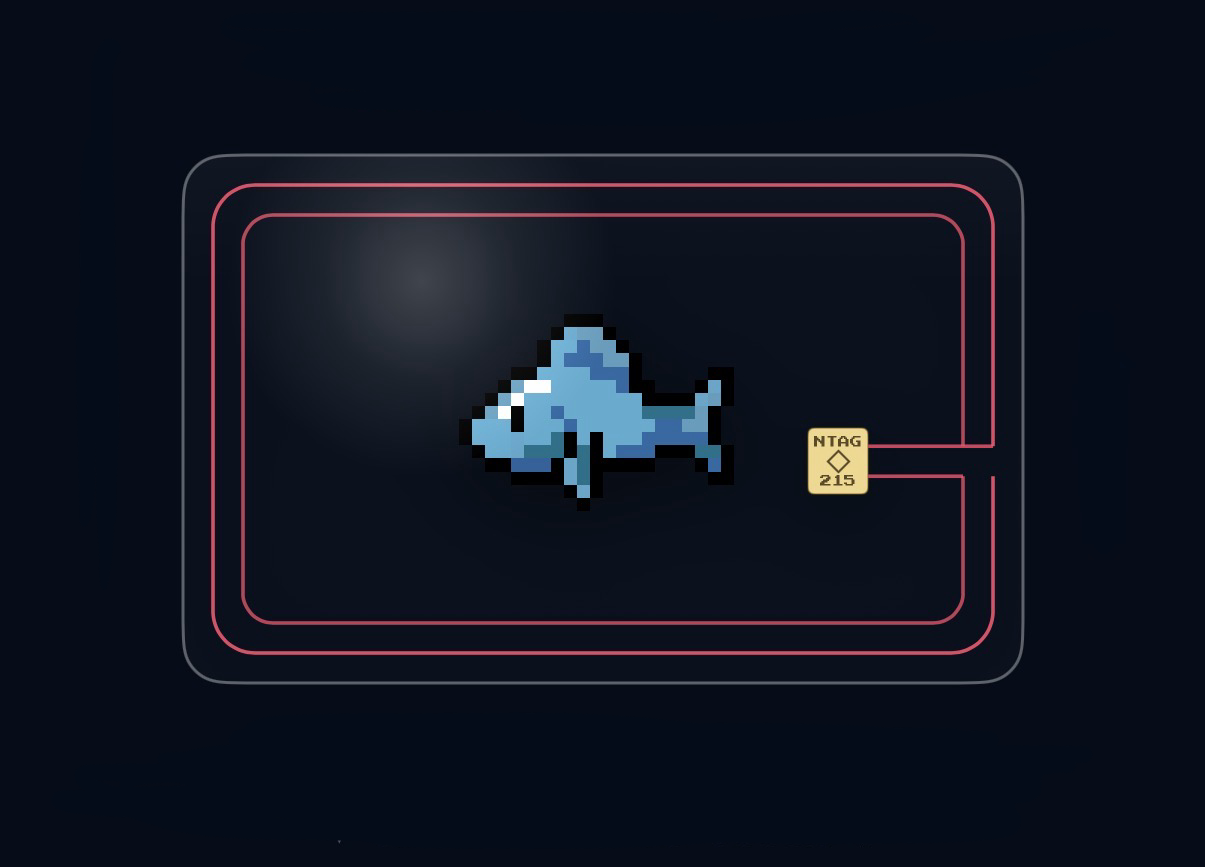
Each tool is a different way to put your phone down. Use one, or use all six.
Earn a fish every 45 offline minutes. Merge fish to discover new species, decorate your tank, and race friends on the leaderboard.
Tap a small NFC card to block your distracting apps. Lock them behind the card so only a tap brings them back.
Pomodoro-style focus timer that blocks your apps during each focus phase. Pick a length, schedule for later, watch a calm ocean while you work.
Six pixel-art mini-games that pay you in stars. Memory, Whack-a-Fish, Connect 4, Tic-Tac-Toe, 2048, and Fish Slide.
A feed of ocean facts and quick quizzes. Answer correctly to bank screen time. Five themed topics, hundreds of cards.
Design your own mascot or fish, set it as your profile, or order a real Mascot Card with your design printed on it.